To choose resume keywords for an IT or technical role, copy the job posting, mark the tools, languages, practices and qualifications it repeats, and keep only the ones that have really been used. Group them in a Skills section, then show each important one in a bullet that says what was built or fixed.
What are resume keywords in a technical role?
Keywords are the specific terms a posting uses for skills, tools, practices and qualifications: for example Python, AWS, SQL, CI/CD, incident response or Agile. Applicant tracking systems and recruiters search and filter by them, and a hiring manager scans for them. For technical roles they matter more than in most fields, because the work depends on named tools.
How do you find the right keywords in a job posting?
Do this for each role you apply to.
- Copy the posting into a document.
- Highlight every tool, language, framework, platform, practice and certification.
- Mark the ones that appear more than once or in the requirements section.
- Circle the ones you have really used, and can discuss.
- Look at two or three similar postings, and note the terms they share. Those are the core keywords for the role.
- Check the exact wording, such as Kubernetes versus K8s, and use the form the posting uses.
Which keyword categories do technical resumes need?
Think in categories, so you do not miss one.
- Languages: Python, Java, JavaScript, SQL.
- Frameworks and libraries: React, Django, Spring.
- Cloud and infrastructure: AWS, Azure, Google Cloud, Linux.
- Databases and data: PostgreSQL, MongoDB, ETL, dashboards.
- DevOps and tools: Git, Docker, Kubernetes, Jenkins, Terraform.
- Practices: Agile, CI/CD, code review, testing, incident response.
- Support and systems: ticketing tools, monitoring, networking, Active Directory.
- Certifications: only those you hold, with the issuer.
How do you write a skills section that works?
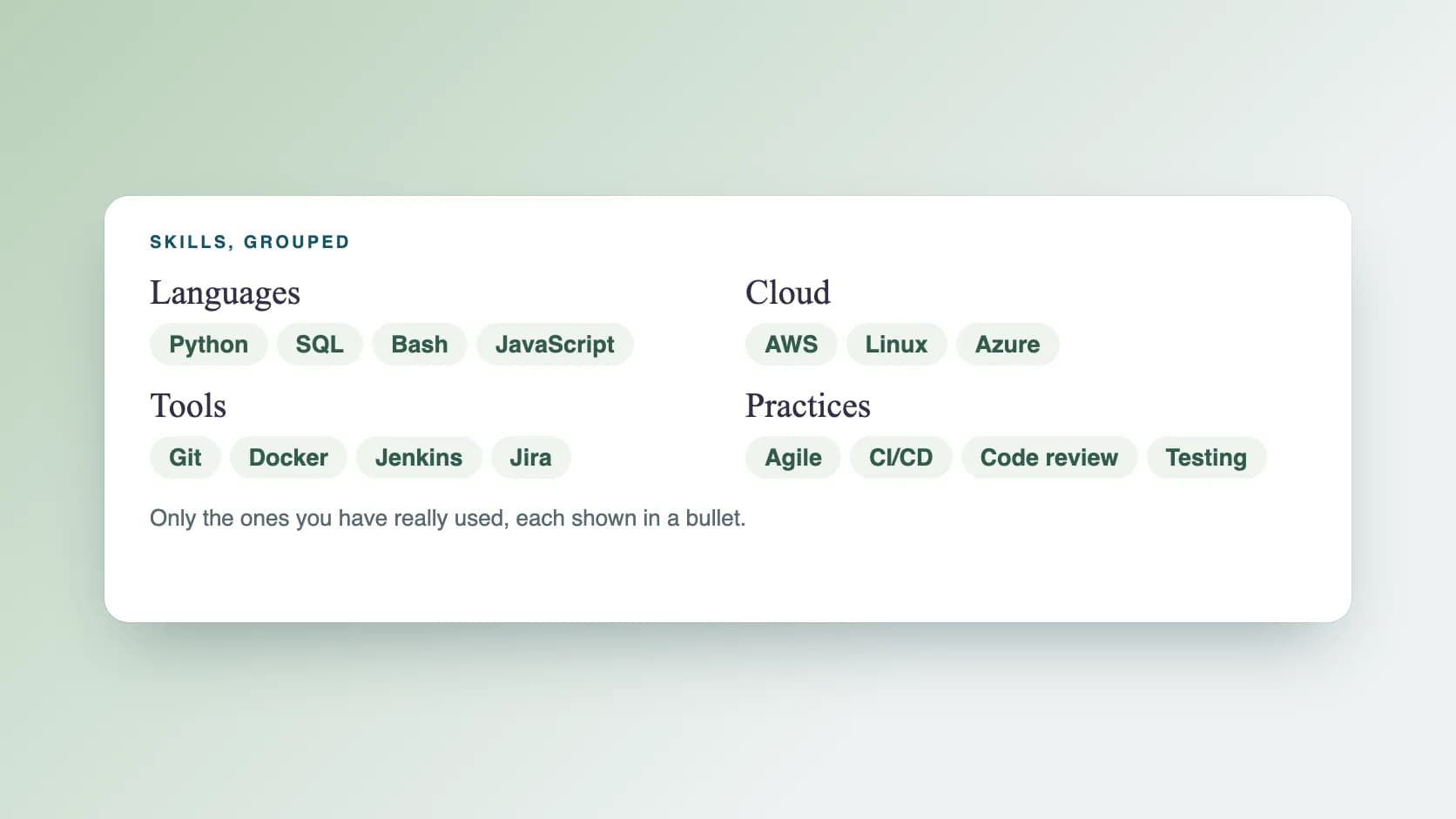
Group skills by category and put the most relevant group first. Use plain text, not graphics or rating bars. For example:
Languages: Python, SQL, Bash. Cloud: AWS (EC2, S3, IAM), Linux. Tools: Git, Docker, Jenkins. Practices: Agile, CI/CD, code review, incident response.
How do you use keywords in experience bullets?
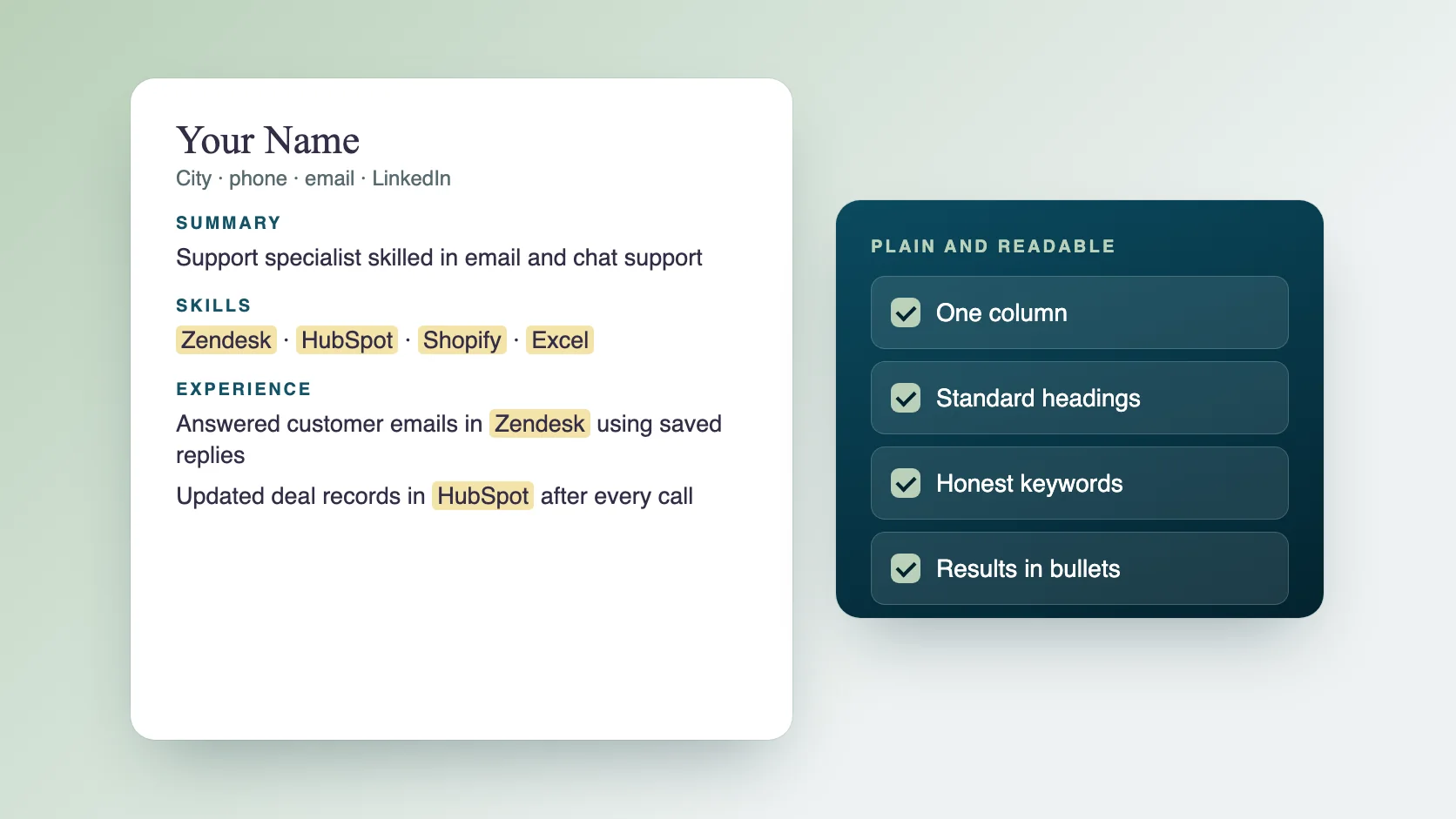
A keyword in a skills list shows you have heard of a tool. A keyword in a bullet shows you used it. Use action, task, tool and result. Use real numbers from your own work, and add scope when you have no number.
- Support engineer: Resolved tickets in Zendesk and Jira, writing clear reproduction steps that helped engineers fix issues faster.
- Backend developer: Built REST APIs in Python and PostgreSQL, adding automated tests that caught regressions before release.
- DevOps engineer: Automated deployments with Jenkins and Docker, so releases no longer needed manual steps.
- Data analyst: Built SQL queries and dashboards that gave the sales team a weekly view of pipeline.
- QA engineer: Wrote regression tests for the checkout flow and ran them in CI on every change.
How do you handle acronyms and variations?
Write out the term once with the acronym, such as Continuous Integration and Continuous Delivery (CI/CD), so both forms are matched. Use the posting's spelling for tool names. If both a full name and a short form are common, such as Kubernetes and K8s, use the one in the posting and mention the other once.
What about projects, links and certifications?
Add a short Projects section when you have work you can share. Give each project a one-line description, the tools used and a link to the code or write-up. List certifications with the issuer and the year. Do not list in-progress certifications as completed.
How do you avoid keyword stuffing?
Stuffing means adding terms you have barely used or repeating them to game a filter. Interviewers in technical fields will ask about anything on your resume, so every keyword has to hold up. A good test: could you spend five minutes explaining how you used this?
What should you check before you apply?
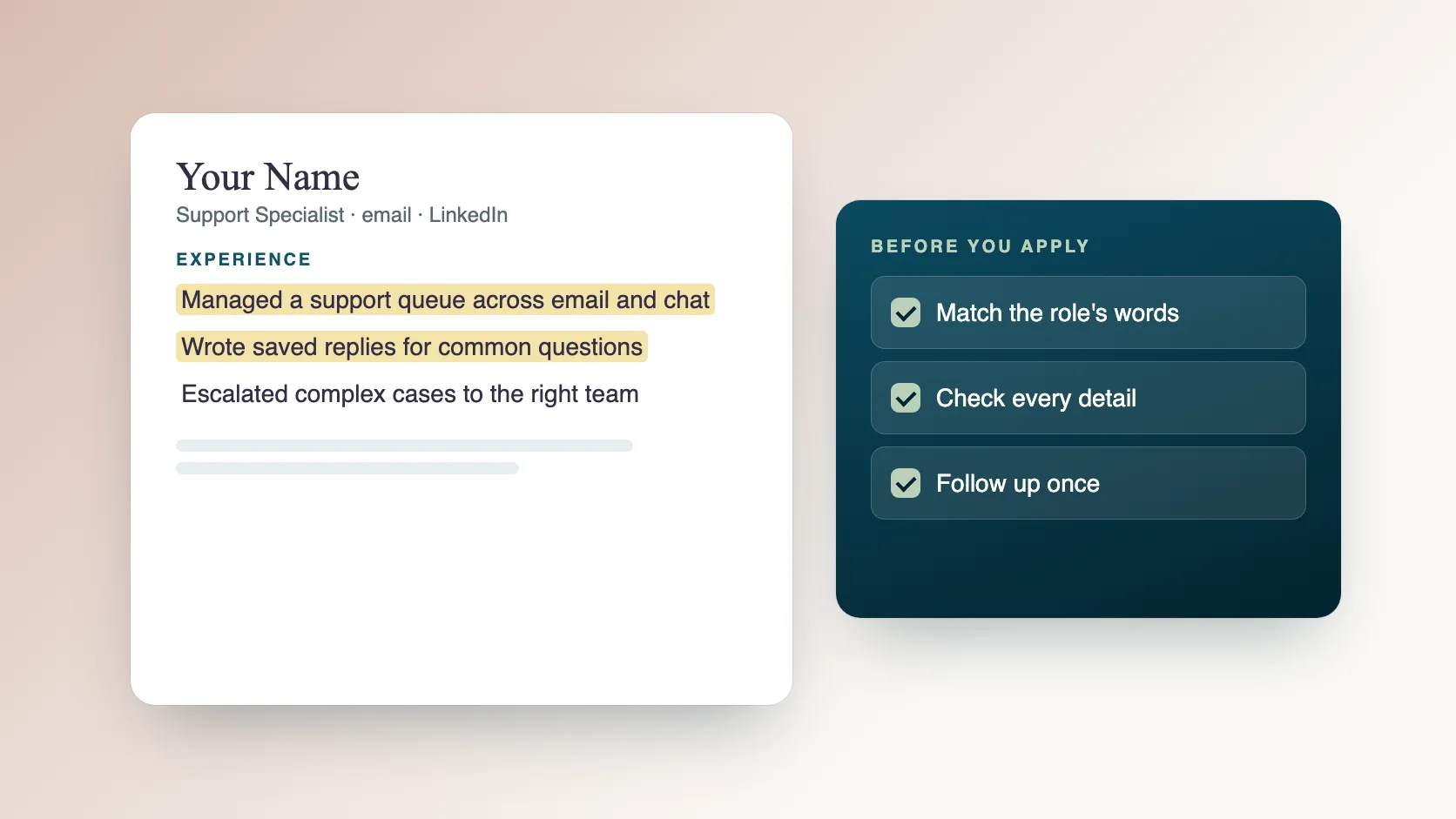
Run through this list.
- The posting's top five tools or skills appear in your resume, if true.
- The Skills section is grouped and plain text.
- Each important keyword also appears in a bullet.
- Acronyms are written out once.
- Job titles, dates and links are correct.
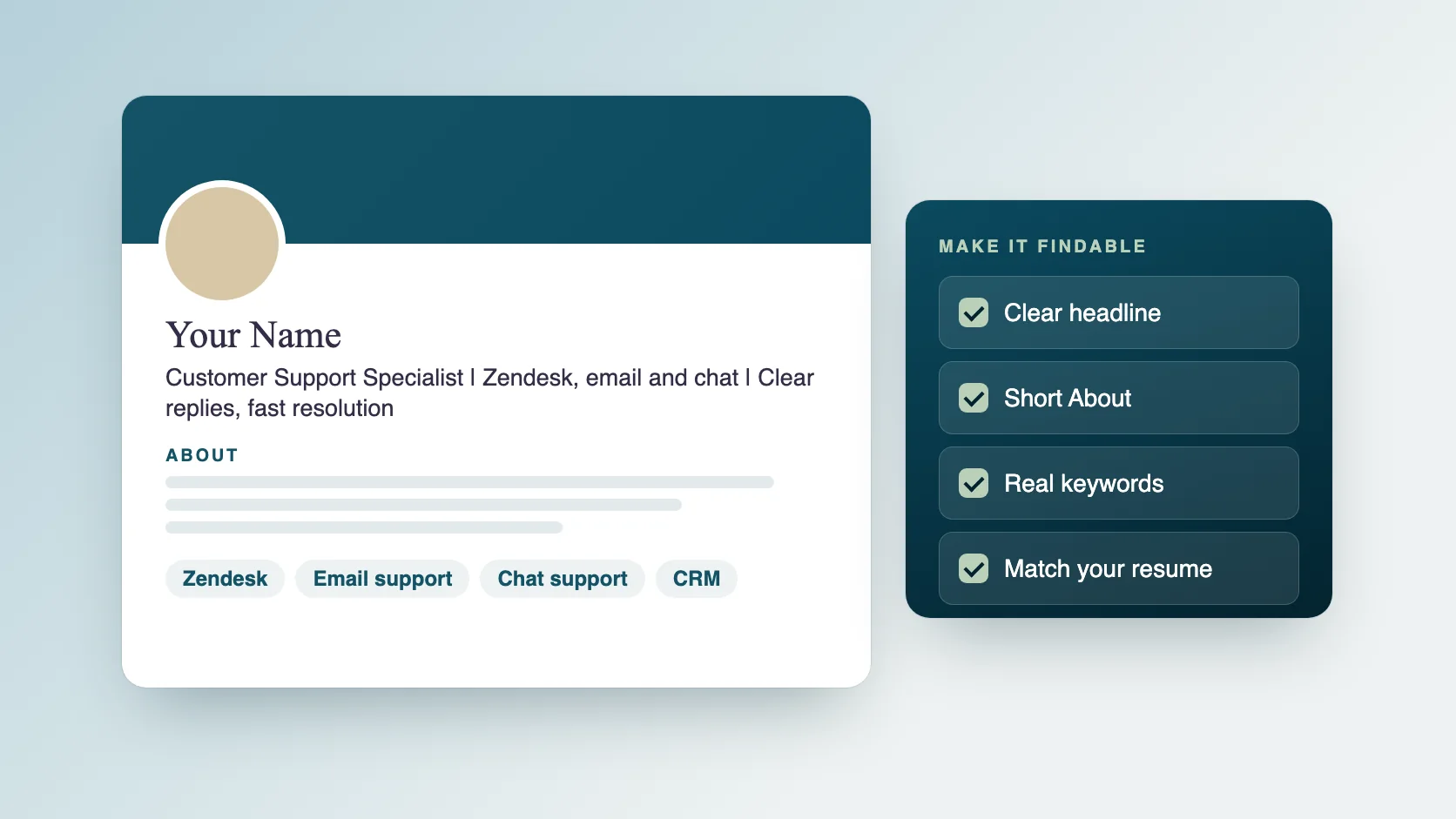
- The resume and your LinkedIn profile say the same thing.
What mistakes do people make with technical keywords?
These come up often.
- One long list of every tool ever touched.
- Keywords with no evidence in the experience section.
- Outdated tools listed first when the role needs newer ones.
- Different spellings from the posting.
- Claiming a level of skill you cannot show.
How does Ragiles career support help technical candidates?
IT and technical professionals are our main focus. Ragiles career support rebuilds your ATS resume around the keywords in the roles you want and rewrites your LinkedIn headline, summary and skills to match. Our team then sends at least 200 job applications a day on different job platforms, Monday to Saturday, with AI speeding up the work and a person sending each one. We cannot promise a job offer. See the plans and the placement fee on the career support page.
Common questions
How many keywords should I include? Enough to match the role honestly. Focus on the top skills in the posting rather than a number.
Should I list every technology I have used? No. List the ones relevant to the role and that you can discuss.
Do I need a different resume for each posting? Keep a base resume and adjust the Skills order and top bullets for each role. See our guide on how to write an ATS-friendly resume.
Where should I put my GitHub link? In your header, next to your contact details.