You can plan a week of social media posts in about an hour if you decide the goal first, choose a few themes, fill a simple calendar and draft everything in one sitting. The steps below show how to do it for channels such as Instagram, Facebook and LinkedIn, with a plan template you can copy.
Why plan a week at a time?
Posting without a plan usually means posting when you remember, and going quiet when the week gets busy. A weekly plan turns posting into a small, repeatable job. You decide what to say once, draft it together, and let the schedule do the rest. A week is long enough to show a pattern and short enough to adjust quickly.
What do you need before you start?
Five things make the plan quicker to write and easier to approve.
- One goal for the week, such as getting questions answered, showing a product or promoting an event.
- The channels you will use, and how often you can realistically post on each.
- Two or three themes for the week (see below).
- Your approved wording: tone, words you like, words you avoid and any claims you may make.
- A folder of images and links you can reuse.
How do you choose themes?
Themes stop you starting from a blank page every day. Pick two or three and rotate them.
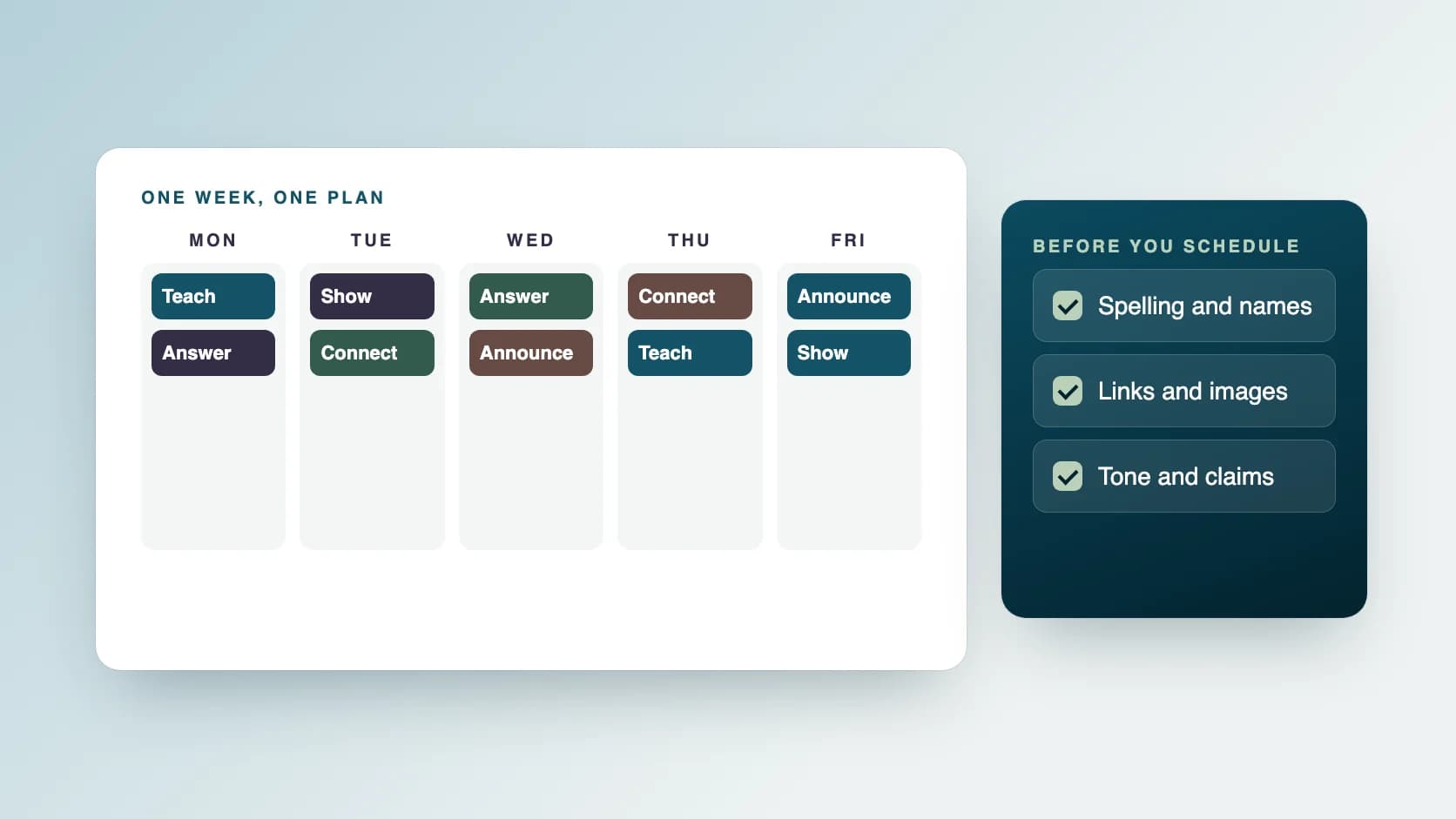
- Teach: a tip, a short how-to or an answer to a common question.
- Show: your work, your product or a behind-the-scenes look.
- Answer: a reply to something customers often ask.
- Announce: news, an offer or an event, only when you have something real to say.
- Connect: a question for your audience, or a thank-you.
How do you build the calendar?
Write the days down the side and the channels across the top. Then place one post in each slot you can keep up.
- Start with fewer posts than you think you need. A steady rhythm beats a busy week followed by silence.
- Fit the format to the channel. LinkedIn tends to suit professional updates and short written posts. Instagram is image-led. Facebook suits community conversation and event notices.
- Spread the themes across the week so two similar posts do not land on the same day.
- Leave one slot free for something timely.
- Add the image, the link and the owner of each post to the calendar.
What does a weekly plan look like?
Copy these columns into a spreadsheet or a shared document. One row is one post.
- Day and time.
- Channel.
- Theme.
- The post in one line.
- The caption, once drafted.
- Image or video, and its file name.
- Link, if any.
- Status: idea, drafted, checked, scheduled or published.
How do you draft a week of posts quickly?
Draft all the captions in one sitting rather than one a day. You stay in the same voice, and you can see whether the week reads well as a whole. Write the first line of each caption to stand on its own, because that is the line people see first. If you use an AI tool for a first draft, treat it as a starting point: read every line, fix anything that is not true or does not sound like you, and remove any claim you cannot support.
What should you check before scheduling?
A short checklist catches most mistakes.
- Spelling and names, including names of people and places.
- Dates, prices and offers.
- Links open the right page.
- Images match the caption and are the right size for the channel.
- The tone matches your approved wording.
- Nothing promises a result you cannot guarantee.
How do you schedule and publish?
Most channels let you schedule a post in advance, and scheduling tools let you manage several channels in one place. Schedule the checked posts, then look at the week once to make sure nothing clashes with a holiday, an outage or news that makes a post feel out of place. Keep the status column up to date so you always know what has gone out.
How do you review the week?
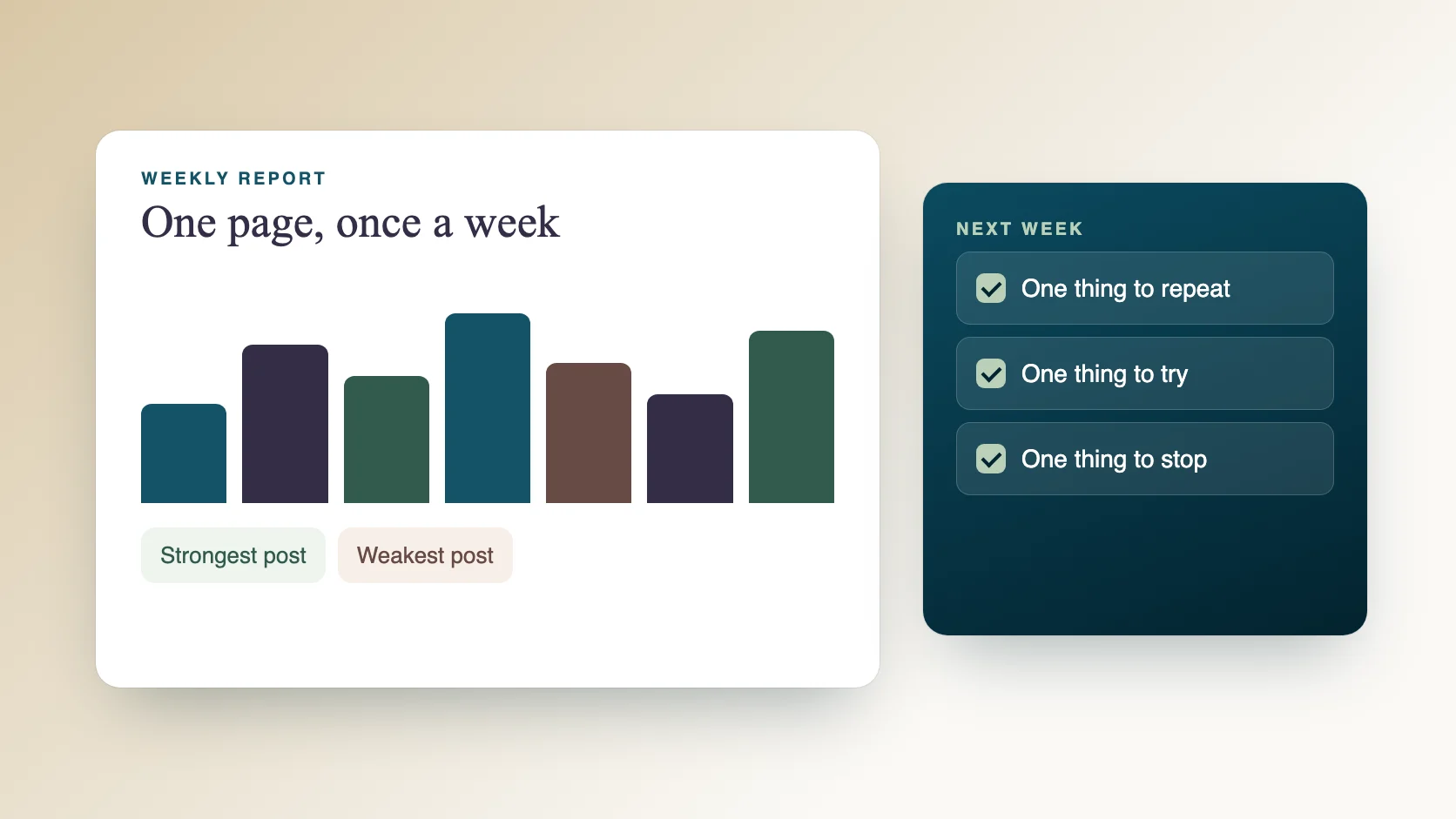
At the end of the week, look at which posts drew replies, saves or clicks, and which went unnoticed. Note one thing to repeat and one thing to change. A short weekly social media report makes this routine, and the answers feed straight into next week's plan.
What can an assistant take off your plate?
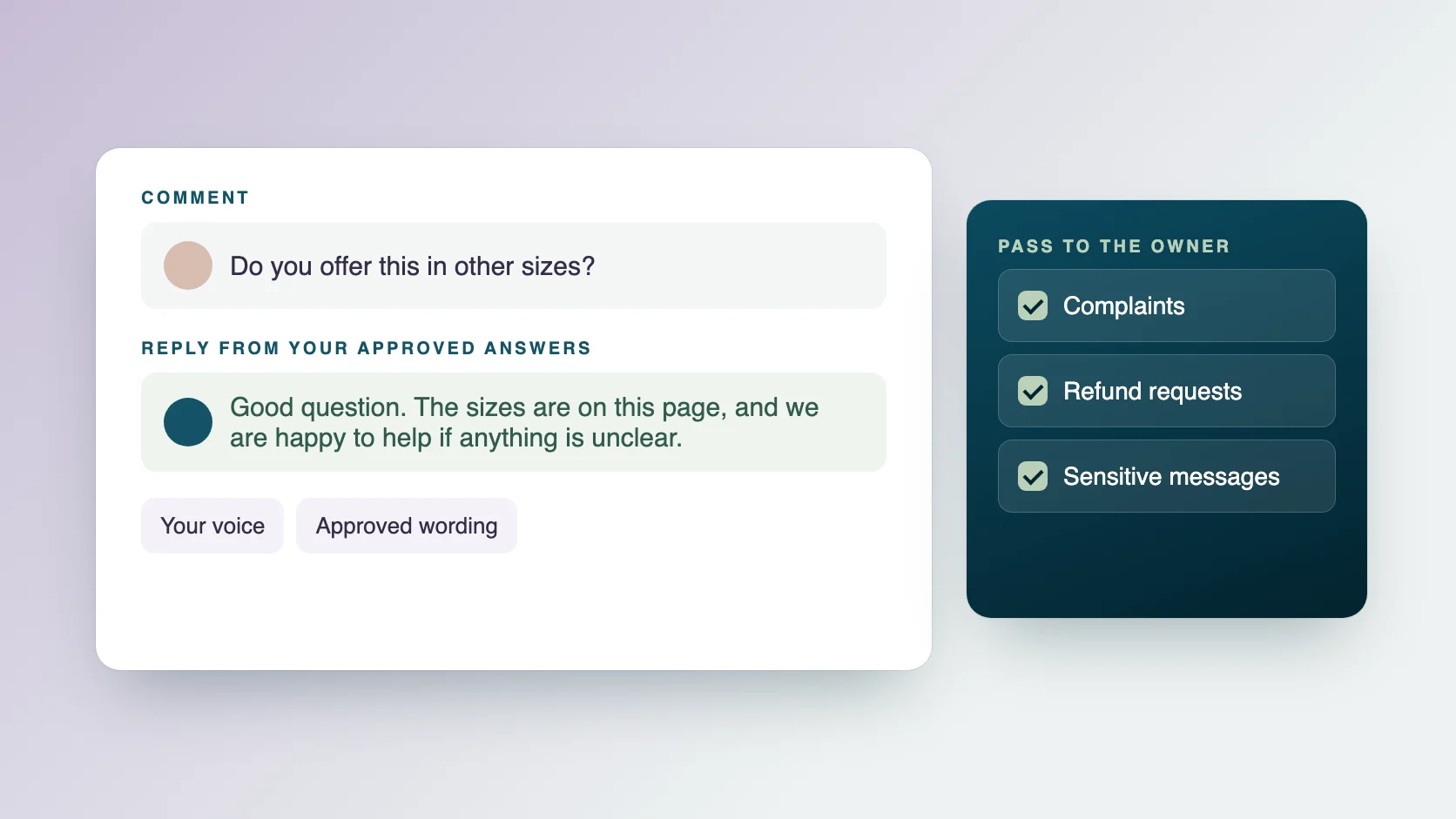
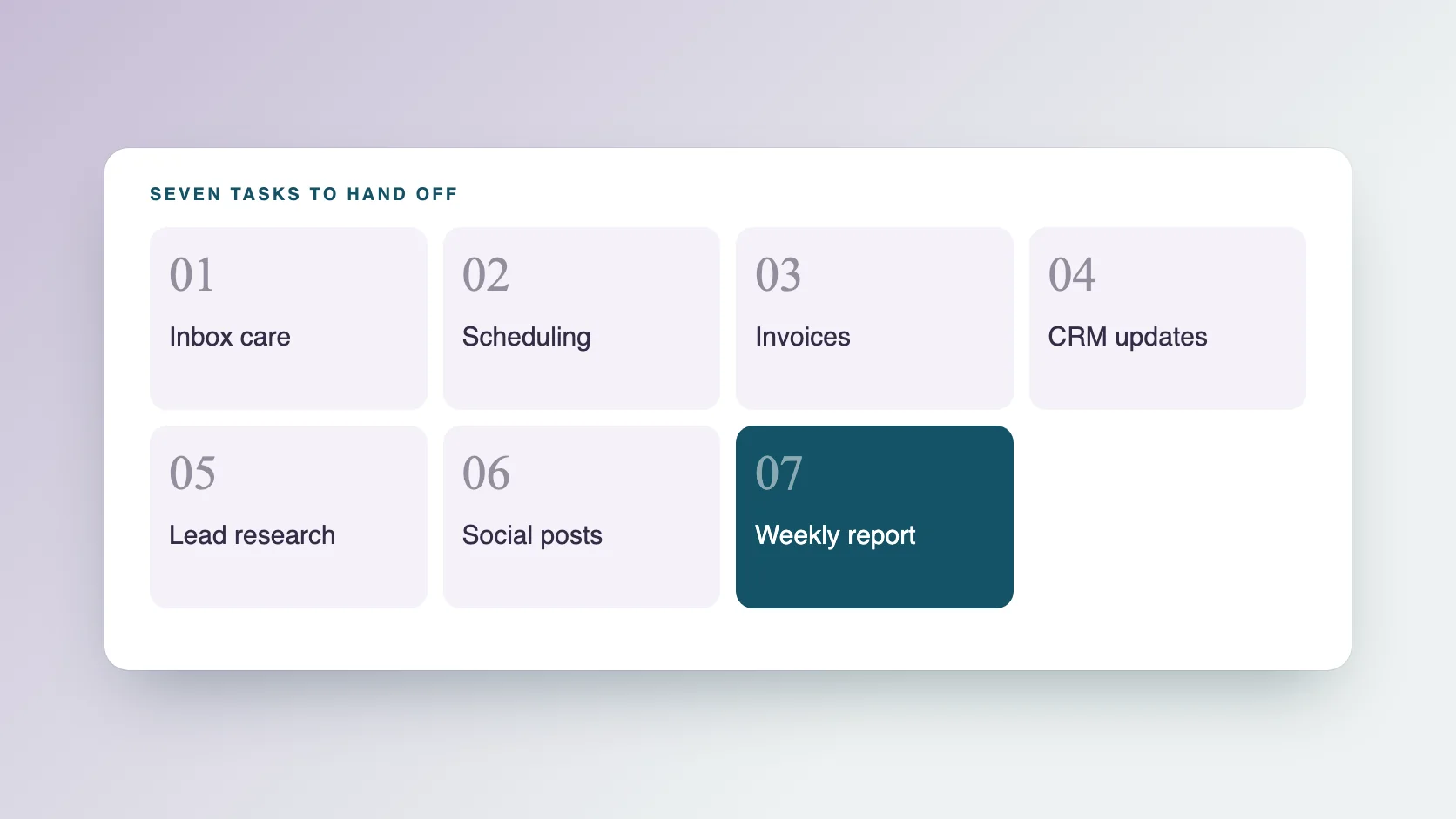
Planning, drafting, scheduling and publishing are repeat tasks that suit delegation. With social media management at Ragiles, an assistant plans the calendar a week ahead, drafts posts in your approved wording, schedules and publishes them and keeps your channel profiles and links up to date. Every AI draft is checked by a person, and final approvals stay with you. Prices start at $5 an hour, with no onboarding fee. If you also receive comments and messages, see how to reply to comments in your brand's voice.
Common questions
How many posts should I plan each week? Plan the number you can keep up for months, not the number that looks impressive. Start small and add posts once the routine holds.
Should I post the same thing on every channel? Share the same idea, but adjust the length, format and tone for each channel.
How far ahead should I plan? A week is a good start. Once the routine is steady, some people plan a month of themes and draft each week.
Should I use AI to write posts? AI is useful for first drafts and ideas. A person should read, correct and approve every post before it is published.
What if a post does not fit the week's news? Pause or replace it. A scheduled post can be changed or removed at any time.