To keep data safe when a virtual assistant uses AI tools, give access only to the accounts a task needs, use separate logins and two-factor authentication, set clear rules on what may go into AI tools and ask your provider how it handles data. At Ragiles, personal details are kept secure and used only for your work, and you choose which accounts your assistant can open.
What are the main data risks when an assistant uses AI tools?
Three things matter most.
- Too much access: an account the task does not need.
- Sensitive information pasted into an AI tool whose settings you have not checked.
- Shared passwords and old logins that nobody removes.
How do you decide what access to give?
Give the minimum that lets the task get done.
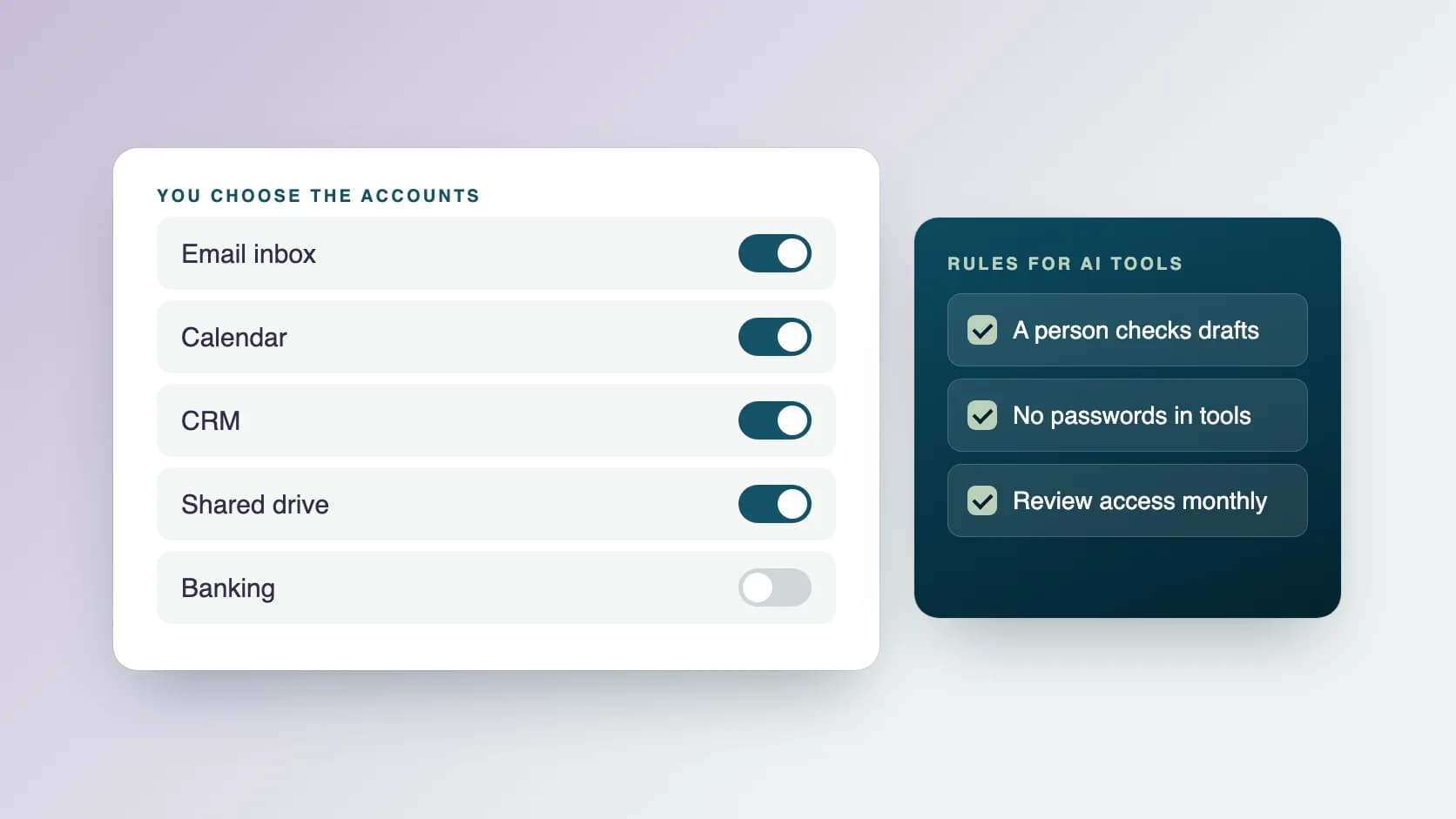
- List the tasks, then list the accounts each one needs.
- Choose the lowest permission level that works, such as view-only or a limited role.
- Do not share banking or payment accounts unless the task truly needs it.
- At Ragiles, you choose which accounts your assistant can open.
How should you share logins?
Avoid sending passwords in chat or email.
- Use a password manager that lets you share access without showing the password.
- Turn on two-factor authentication for important accounts.
- Use a separate login for your assistant where the tool allows it, so you can see and remove their access.
- Keep a list of who has access to what.
What rules should you set for AI tools?
Write a short rule list and share it in the first week.
- What may go into an AI tool, for example public information and drafts of routine messages.
- What may not, for example passwords, payment details, health information or anything covered by a client agreement.
- That a person checks every AI draft before it is sent.
- That the assistant tells you if they are unsure.
What does a simple AI-use rule sheet look like?
Here is a short one to adapt. Share it in the first week and update it when something changes.
- Public and routine information may be used in AI tools.
- Never enter passwords, payment details, health information or private client documents.
- Every AI draft is read and corrected by a person before it is sent.
- Anything about money, contracts or complaints comes to me first.
- If you are unsure whether something is sensitive, ask before using a tool.
- Tell me about any mistake the same day, so we can fix the process.
What should you ask your provider?
Get the answers in writing.
- Which AI tools do assistants use?
- What information goes into them, and is it kept or used to train models?
- Who can access my accounts and information on your side?
- How is access removed when a task or the arrangement ends?
- What happens if something goes wrong?
- Can I ask for an assistant who does not use AI tools, and is the price the same?
What does Ragiles do?
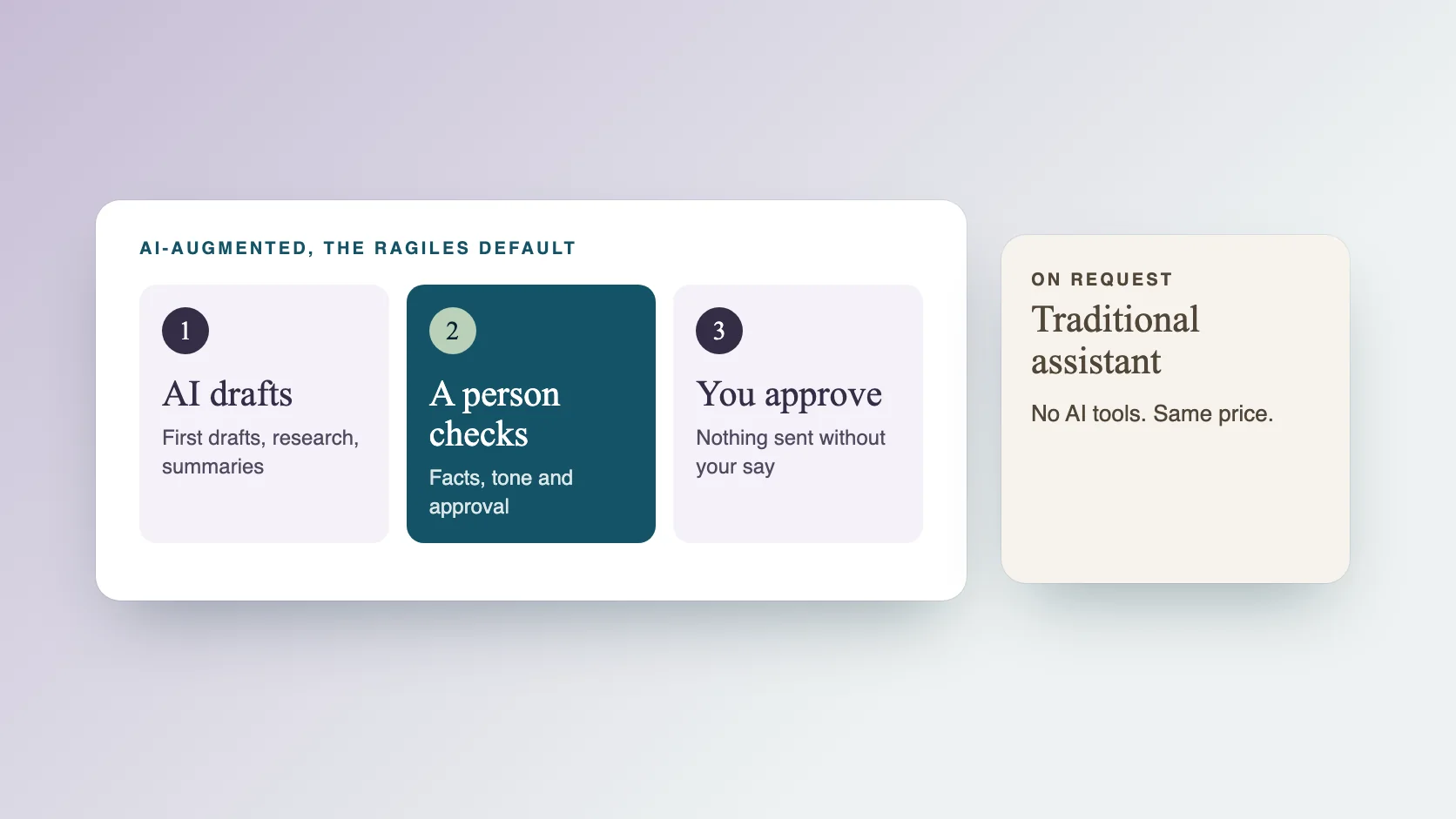
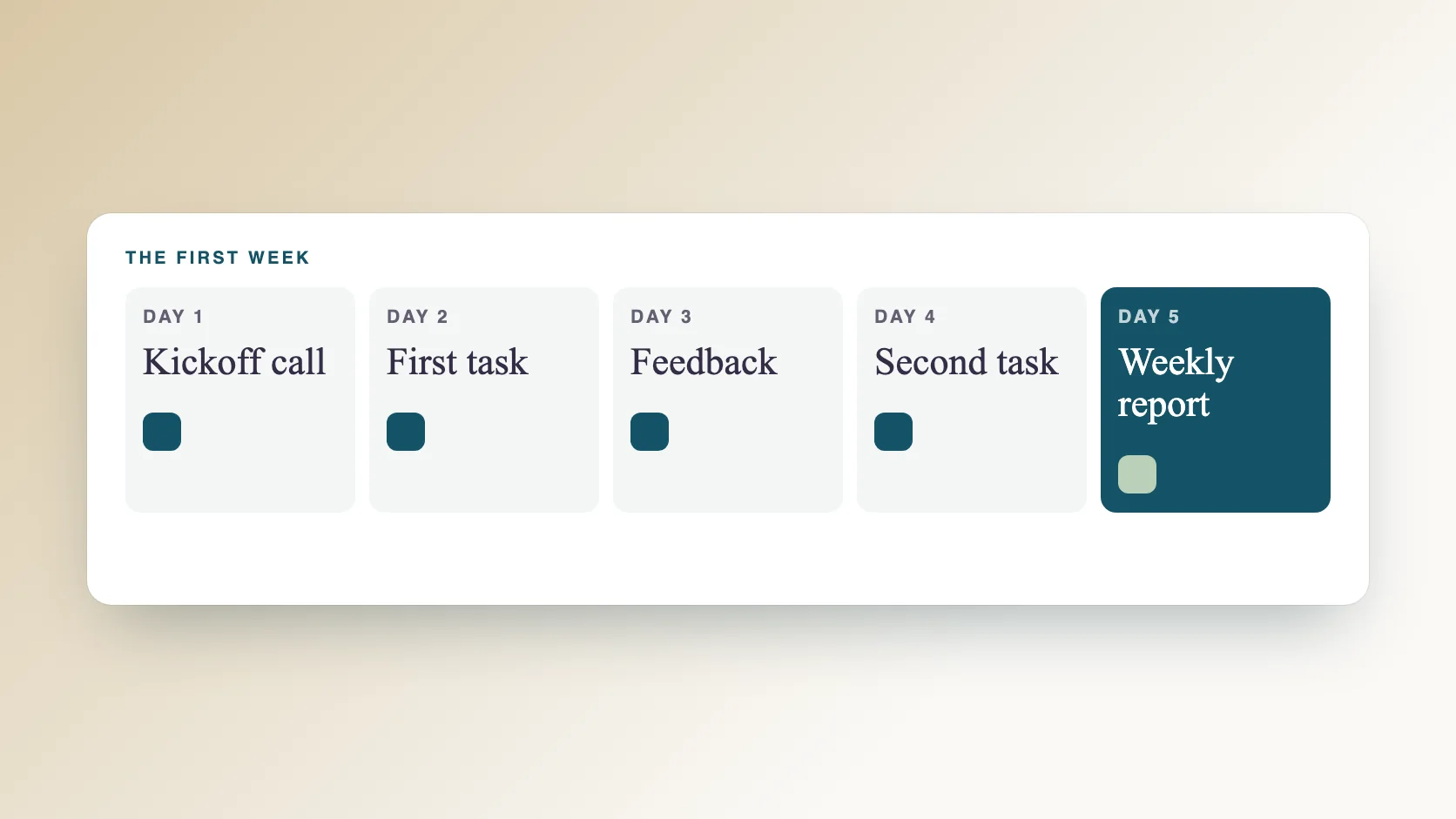
Personal details are kept secure and used only for your work. You choose which accounts your Ragiles assistant can open. Every assistant is AI-augmented by default, with a person checking every AI draft. If you prefer, a traditional assistant who does not use AI tools is available on request at the same price. A project manager oversees the work, and you receive a daily update and a weekly report so you can see what was done.
How do you review access over time?
Once a month, look at the list of accounts your assistant can open. Remove anything no longer needed, and check that two-factor authentication is still on. When a task ends, remove access the same day.
What should you do if you suspect a problem?
Change the passwords on the affected accounts, remove the access, check recent activity and tell your provider. Then update your rules so it does not repeat. Contact the affected people if their information was involved, and seek professional advice where law or contracts apply.
Common questions
Is it safe to let an assistant use AI tools? It can be, with limited access, clear rules and a person checking the work. Ask your provider how it handles data.
Should I use a traditional assistant for sensitive work? If your clients or rules do not allow AI tools, yes. Ask for a traditional assistant.
Can I see what my assistant did? At Ragiles you receive a daily update and a weekly report.
Does this guide cover legal requirements? No. Your rules depend on your industry and location, so ask a qualified professional if you handle regulated data.
Where can I read more? See our guides on AI-augmented vs traditional assistants and how to delegate to a virtual assistant.
Where can I read more? See our guides on AI-augmented vs traditional assistants and how to delegate to a virtual assistant.
Where can I see how Ragiles does this? See AI-augmented virtual assistants at Ragiles.