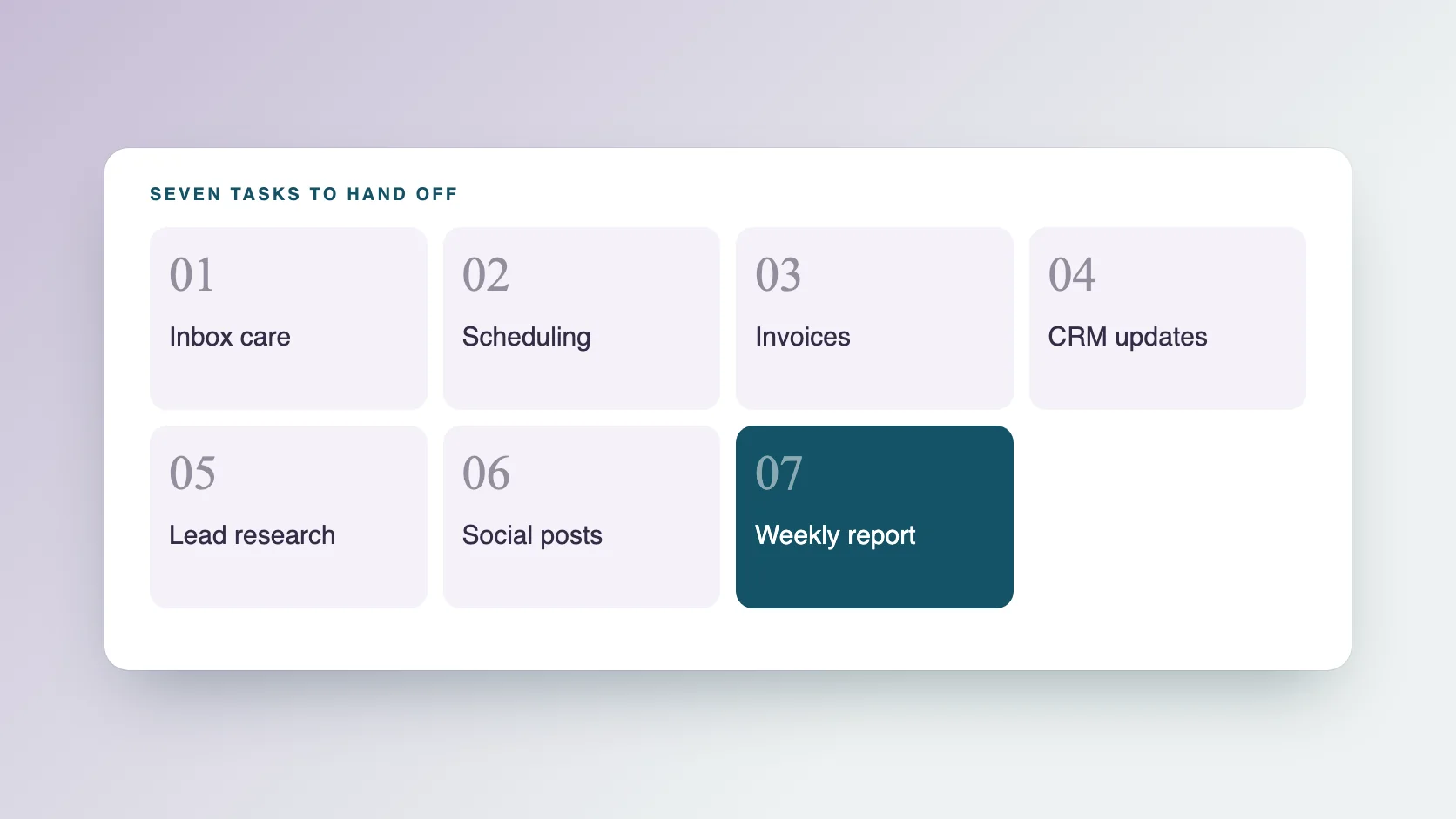
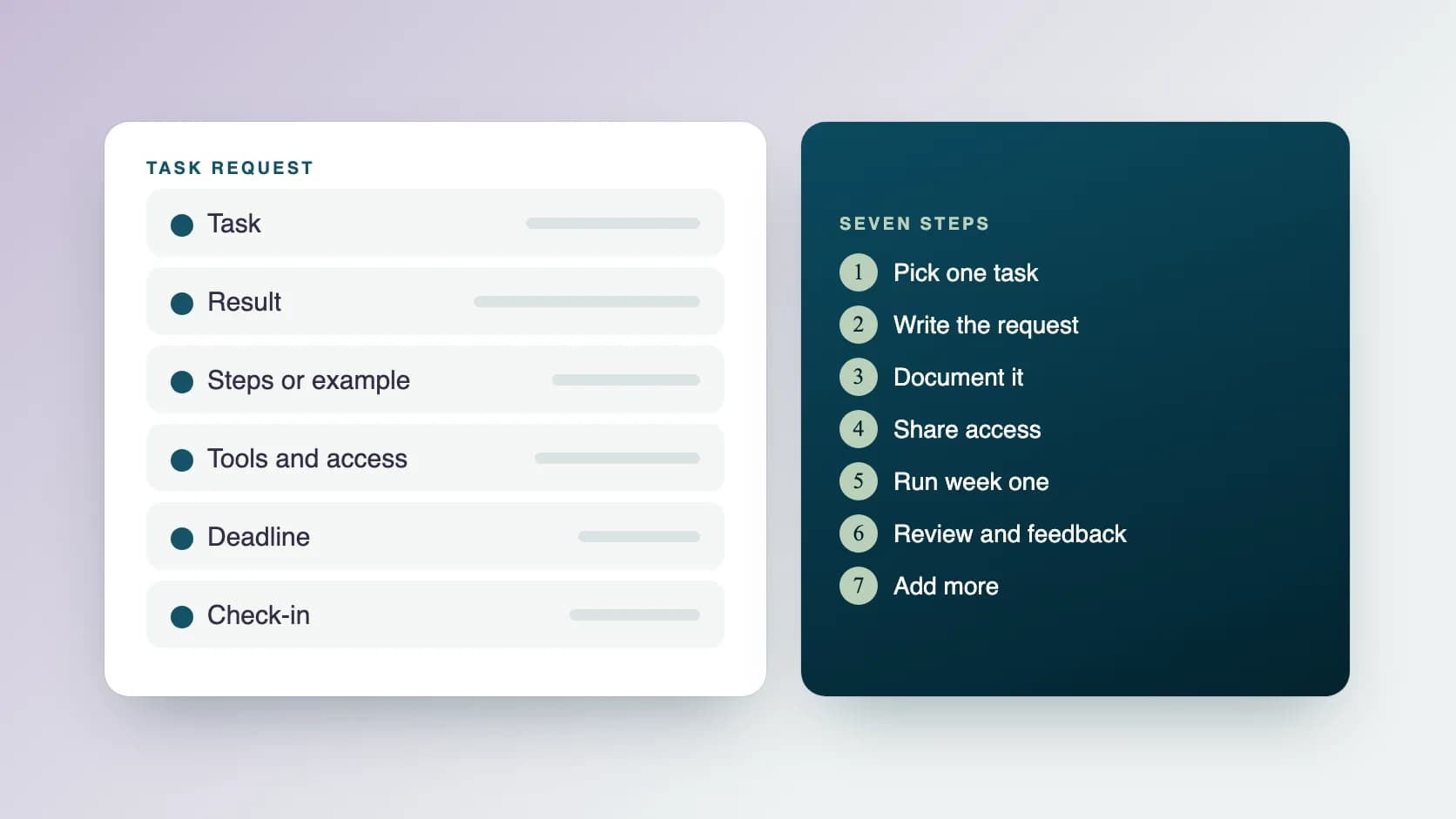
To delegate to a virtual assistant, pick one repeatable task, write a short request that says what a good result looks like, share access to the tools, review the first few results and then add more work. Seven steps turn this into a routine, supported by a request template that can be copied.
Step 1: Which tasks should you delegate first?
Keep a simple log for one week. Every time you do something that is routine, write it down with how long it took. Then test each item with five questions.
- Does it repeat at least weekly?
- Can I describe a good result in two or three lines?
- Could I write the steps down, or record my screen doing them?
- Would a mistake be easy to fix?
- Does it need my personal judgment every time?
Step 2: How do you write a task request?
A good request answers the questions your assistant would otherwise have to ask. Use this template.
- Task: what needs doing, in one line.
- Result: what a finished task looks like.
- Why it matters: the reason, so your assistant can make small judgment calls.
- Steps or example: a short list, a link or a screen recording.
- Tools: where the work happens and which accounts are needed.
- Deadline and repeat: when it is due and how often it happens.
- Decisions: what your assistant can decide alone and what needs your approval.
- Check-in: when and how you want an update.
What does a finished request look like?
Here is a worked example for a weekly lead list.
- Task: Build a list of new prospects every Monday.
- Result: 25 prospects in the shared sheet, each with name, role, company, website, email and a one-line reason they fit.
- Why it matters: I use the list for outreach on Tuesday, so accuracy matters more than volume.
- Steps: Follow the attached screen recording. Use the filters in the sales tool and check each company's website.
- Tools: the sales database, the shared sheet and my email draft folder.
- Deadline and repeat: every Monday by noon, my time.
- Decisions: skip any company already in the CRM. Ask me before adding a new filter.
- Check-in: a short message on Slack when the list is ready, and a note on anything unusual.
Step 3: How do you document the process?
You do not need a manual. For most tasks, a short checklist or a five-minute screen recording is enough. Write down the steps in order, the tools used, where the files live and what to do when something goes wrong. If you want to go further, our guide on how to write an SOP has a simple template.
Step 4: How do you share access safely?
Give access to what the task needs and nothing more.
- Use separate logins or a shared password manager instead of sending passwords in messages.
- Ask for the minimum permission level that lets the task get done.
- Keep a list of the accounts your assistant can open, and remove access when a task ends.
- At Ragiles, personal details are kept secure and used only for your work, and you choose which accounts your assistant can open.
Step 5: How do you run the first weeks?
Start small, and build up.
- Week one: one or two tasks. Be reachable for questions.
- Review the first few results closely, and give specific feedback.
- Week two: add a second task once the first is steady.
- Move from reviewing every result to checking a sample, and then only exceptions.
- Keep a running list of what you want to hand over next.
Step 6: How do you review work and give feedback?
Say what worked, what to change and what to do next time. For example: the list was well filtered, three companies were already in the CRM, so check the CRM first from now on. If the same mistake happens twice, the brief probably needs work, so update it. Feedback is quickest when it is short, specific and given soon.
Step 7: How do you add more without losing control?
Add one task at a time, and keep a weekly rhythm: the assistant sends a short report, you reply with priorities. When you notice yourself checking everything, shorten the loop instead of redoing the work. Our guide on how to delegate without micromanaging covers this in more depth.
What mistakes do people make when delegating?
Most problems come from the brief, not the person.
- Handing over a task without saying what a good result is.
- Starting with the most sensitive work.
- Giving too many tasks in the first week.
- Not being available for early questions.
- Skipping reviews, then finding problems late.
- Changing instructions without telling the assistant.
What should you keep for yourself?
Keep strategy, key relationships, final approvals on money and contracts, and anything that depends on your personal judgment. Delegate the preparation around them: research, drafts, scheduling and follow-up.
How does Ragiles handle delegation?
At Ragiles, a project manager learns your business, runs a structured onboarding, then assigns the right assistant and trains them on your processes. You get a daily update on Slack or the tool you already use, a weekly report with the full week and the plan for the next one, and a meeting whenever you need one. Every assistant is AI-augmented by default, a person checks every AI draft before it reaches you, and a traditional assistant who does not use AI tools is available on request at the same price. If your assistant cannot take on a new task, we replace them with a more expert assistant for the responsibility you give. Prices start at $5 an hour, with part-time from $500 a month (5 hours a day), US-based from $30 an hour and full-time from $800 a month. There is no onboarding fee, and work can start within 2 days.
Common questions
How many tasks should I delegate at the start? One or two. Add more after the first ones run smoothly.
How long does it take for an assistant to get up to speed? It depends on the task and how clear the brief is. Reviewing early work closely shortens it.
What if the assistant makes a mistake? Treat it as a signal to improve the brief or the checklist, then update both.
Do I need to be online when my assistant works? Not always. Agree on overlap hours and a daily update, and say how to reach you for urgent questions.