
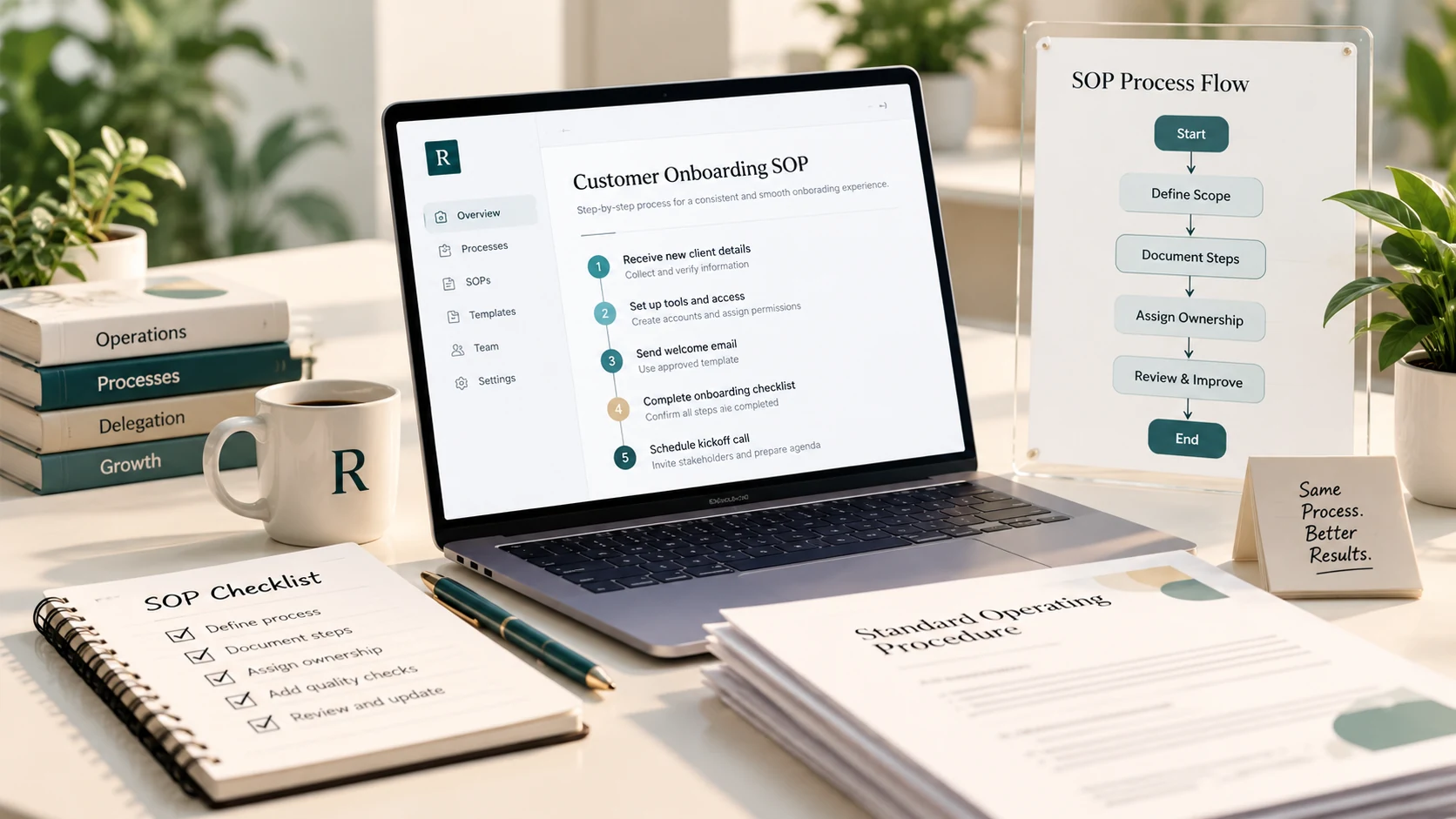
A standard operating procedure (SOP) is a clear, reusable guide for completing a recurring task. For a small business, it can be as simple as a one-page checklist for preparing a weekly report, updating CRM records, responding to a routine customer enquiry, or onboarding a new client. The goal is not to document everything. It is to make important work easier to repeat, hand over, check, and improve.
When does a small business need an SOP?
Write an SOP when a task happens repeatedly, involves more than one person, is often explained from scratch, or creates avoidable mistakes when a step is missed. Good candidates include lead handoffs, client onboarding, invoice follow-ups, publishing website updates, handling order exceptions, and preparing recurring reports.
A one-off task usually does not need a full procedure. Start with work that repeats and has a clear definition of done. If the process changes frequently, document the stable parts and make the decision points clear rather than pretending every situation follows the same path.
The simple SOP template
Use the following structure as a starting point. Keep it short enough that the person doing the work can find the answer while they are working.
- Title and purpose: Name the task and explain the result it should produce.
- Scope and trigger: State when the procedure applies and what starts it.
- Owner and roles: Identify who performs the work, who approves it, and who handles exceptions.
- Inputs and access: List the information, files, systems, and permissions required.
- Steps: Write the actions in the order they should happen, using clear verbs.
- Quality check: Explain how the owner confirms the work is accurate and complete.
- Exceptions and escalation: Describe what to do when information is missing or the usual path does not work.
- Version and review date: Record who maintains the SOP and when it should next be reviewed.
Write steps people can follow without guessing
Use specific actions instead of vague instructions. 'Update the CRM' leaves several questions unanswered. A more useful instruction is: 'Open the contact record, confirm the company and contact details against the approved source, log the latest interaction, set the next action and due date, then save the record.' The exact steps will depend on your tools and process, but the standard should be observable.
Add a screenshot or example only when it removes genuine ambiguity. If a step requires judgment, explain the decision criteria and when the person should pause for approval. An SOP should support sound decisions, not encourage someone to guess at a high-risk exception.
Example: a lead follow-up SOP
A small sales team could document a routine lead follow-up process like this: review the assigned lead queue each morning; check the last interaction and agreed next step; confirm the contact is still appropriate to contact; prepare a message using the approved guidance; record the action in the CRM; set the next follow-up date; and flag replies or requests that require a salesperson's judgment.
The procedure should also define boundaries. For example, the assistant may update records and prepare routine follow-ups, while pricing commitments, unusual objections, opt-out requests, or sensitive customer concerns go to the designated owner. This keeps routine execution moving without handing over decisions that need different authority.
Test the SOP before calling it finished
Ask someone who did not write the procedure to use it for a real, low-risk task. Watch where they stop, ask questions, or interpret a step differently than you intended. Those moments show where the document needs a clearer instruction, example, or escalation rule.
After the first few uses, review the quality of the output, the time required, and any missed steps. Revise the SOP based on actual use. A process document is a working tool, not a file to create once and forget.
Assign an owner and keep it current
Every SOP needs someone responsible for maintaining it. Review the document when a tool changes, a responsibility moves, an exception occurs, or the process produces avoidable rework. For stable procedures, a scheduled review can help; for fast-changing work, update it when the change happens.
Store the current version in a shared, searchable place and link to related templates or policies. Make it clear which version is current, who can approve changes, and where questions should go. Avoid keeping the only copy in one person's inbox or personal drive.
Frequently asked questions
How long should an SOP be? As short as possible while still allowing the intended user to complete the task correctly. A one-page checklist may be enough for a simple process; complex workflows may need supporting diagrams or linked procedures.
Should every task have an SOP? No. Prioritize recurring work where consistency, handoffs, onboarding, or mistakes matter. Do not create documentation that adds more work than it removes.
Who should write the SOP? The person who understands the actual work should help draft it. The process owner should verify that it reflects current practice, and the person who will use it should test whether it is clear.
Can an SOP help when delegating to a virtual assistant? Yes. It provides context, steps, quality expectations, and escalation boundaries. It does not replace training or feedback, but it makes the handoff more repeatable.
Sources and further reading
For additional guidance on what to include in a procedure, see Atlassian's standard operating procedure template, which covers purpose, responsibilities, procedure steps, checks, and revision details.
For another practical approach, read Asana's guide to SOP templates, including examples of step-by-step, hierarchical, and flowchart formats. These resources informed the general documentation principles in this article; the recommendations and examples above are written for the day-to-day needs of small teams.
Choose one recurring process, document its purpose, owner, steps, quality check, and exception path, then test the SOP with someone who did not write it.